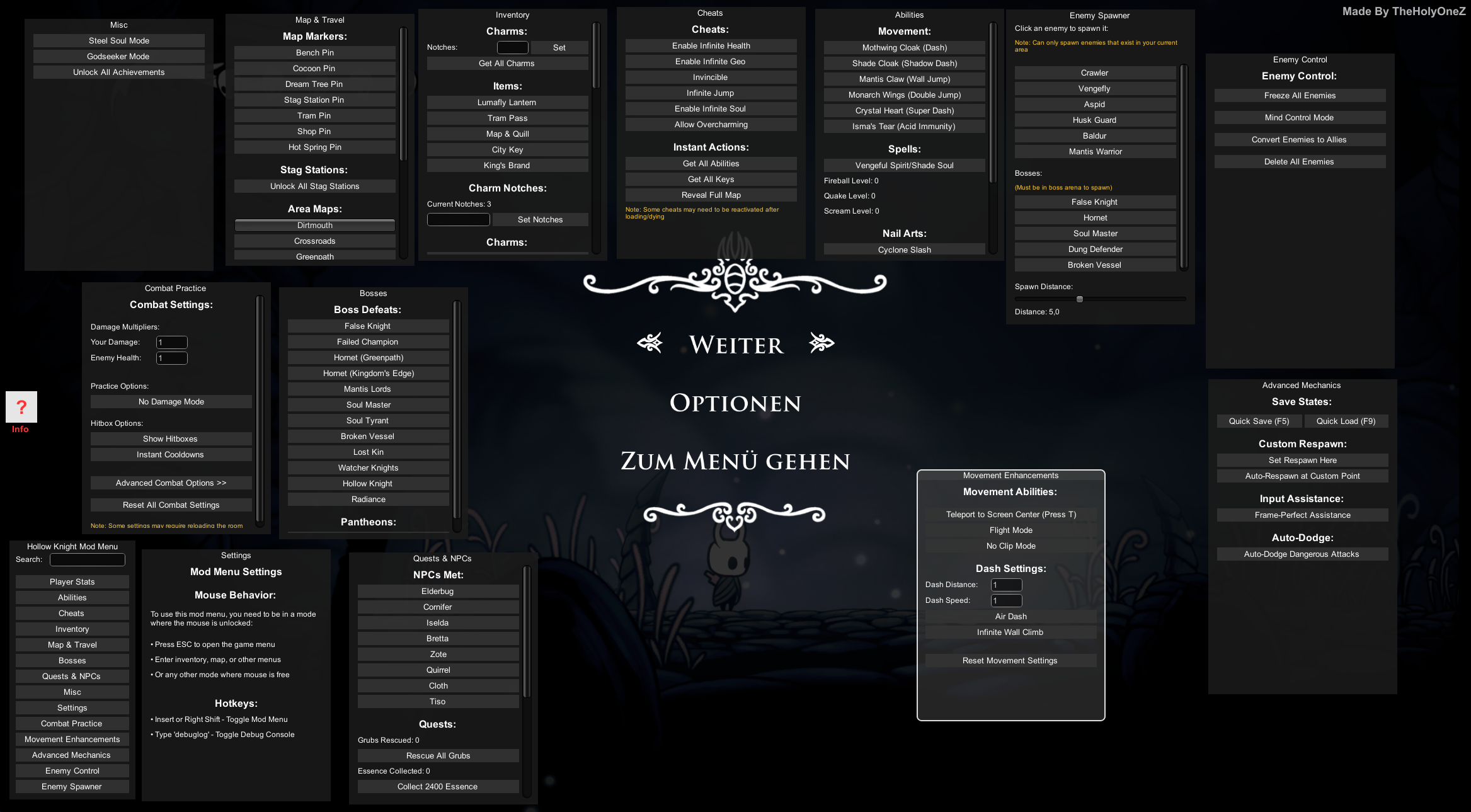
PEAK - ModMenu V2.9.12
PEAK Mod Menu V2.9.12 - Feature List Created by TheHolyOneZ (Game Version: 2.6.b) ==== Player ==== - Teleport to Player - Telport Player to you - Give Item ID: [Text Input] - **May OR may NOT work if you are NOT the host!** - Remove All Items - Print Inventory to Console - Inventory Slots: (Displays status of each slot) - Backpack: (Displays status) - Temp: (Displays status) - Check Has Item: ItemID: [Text Input] - Check Empty Slot For: ItemID: [Text Input] - Enable Noclip [Toggle] - Noclip Speed: [Slider] (1f to 100f) - No Hunger - Noclip Hotkey: [Keybind Setter] - Custom Pickup Range: [Keybind Setter] - Instant Throw: [Keybind Setter] - Instant Use: [Keybind Setter] - Infinite Uses: [Keybind Setter] - No Fall Damage: [Keybind Setter] - The stamina bar drains, but you can still sprint, jump, and Dash climb - Enable Custom Pickup Range [Toggle] - Pickup Range: [Slider] (1f to 100f) - Throw Power Multiplier: [Slider] (0.1f to 10f) - Instant Throw Charge [Toggle] - Item Hold Strength: [Slider] (0.1f to 10f) - Instant Item Use [Toggle] - Infinite Item Uses [Toggle] - Current Status Values: (Displays Injury, Hunger, Cold, Hot, Poison, Curse, Drowsy, Weight) - Clear All Status - Clear Injury - Clear Hunger - Clear Cold - Clear Hot - Clear Poison - Clear Curse - Clear Drowsy - Clear Weight - No Fall Damage [Toggle] - Full Heal - Max Injury - Max Hunger - Max Cold - Max Hot - Max Poison - Full Heal - Kill All - Pass Out All - Revive All - Add Drowsy - Refill Stamina - Set Extra Stamina - Toggle Infinite Stamina - Gain Full Stamina - Player Revive System: (Lists all players with their status, Revive/Kill/Pass Out buttons) - keybinds dropdown - Quick Toggle Keybinds: (Displays current keybinds for Custom Pickup Range, Instant Throw, Instant Use, Infinite Uses, No Fall Damage, ESP Overlay, Remove Looked-at item) ==== ItemCooking ==== - Cook Once - Burn (Set CookedAmount to Max) - Reset Cooking - Toggle wreckWhenCooked - [Item Cooking Debug Info] (Displays wreckWhenCooked, timesCookedLocal, ItemComponents, ItemActions, overrideUsability) ==== ItemIds ==== - Item Search: [Text Input] (Displays Item Name and ID) ==== ItemSpawner ==== - Spawn Item by ID: Item ID: [Text Input], Count: [Text Input] - Spawn from Pools: (Lists various Spawn Pools with Spawn 1, 5, 10, All buttons) - Quick Spawn: Random Item - Quick Spawn: Food Items - Quick Spawn: Tools === Fun Tab === * General Features: - Warp to Random Player [Button] - Force Respawn (Teleport to Spawn) [Button] - Toggle Ghost Mode (Noclip) [Button] - Find Luggage Prefab (Brute-Force Test) [Button] - View Test Logs [Button] * Local Player Input State: - Displays real-time input status (e.g., Jump, Sprint, Crouch) [Label] * Luggage Launcher (Local Clones): - Launch Force: [Text Field] - Enable Small Luggage Shooter [Toggle] - Hotkey for Small Luggage Shooter: [Keybind] - Enable Big Luggage Shooter [Toggle] - Hotkey for Big Luggage Shooter: [Keybind] - Enable Epic Luggage Shooter [Toggle] - Hotkey for Epic Luggage Shooter: [Keybind] - Enable Cursed Luggage Shooter [Toggle] - Hotkey for Cursed Luggage Shooter: [Keybind] * Object Cloner (Select & Shoot): - Clear Selection [Button] - Select Object Key: [Keybind] - Shoot Selected Key: [Keybind] * Fun Actions: - Randomize Cosmetics [Button] - Lock/Unlock Statuses [Button] - Revive [Button] - Die [Button] - Pass Out [Button] * Item Spammer: - Spawn Held Item In Front [Button] * Cosmetics Fun: - Auto Randomize Cosmetics [Toggle] - Auto Randomize Interval: [Slider] (0.2s to 2s) * Tumbleweed Spawner: - Spawn Tumbleweed [Button] - Destroy All Tumbleweeds [Button] - Roll in Camera Direction [Toggle] - Lifetime: [Slider] (1s to 60s) - Spin Speed: [Slider] (1f to 100f) - Size: [Slider] (0.1f to 5.0f) ==== Movement ==== - Movement Force: [Slider] (1f to 50f) - Sprint Multiplier: [Slider] (0.5f to 5f) - Drag: [Slider] (0.1f to 2f) - Jump Impulse (Height): [Slider] (1f to 1000f) - Stand Force: [Slider] (0f to 100f) - Stand Smooth: [Slider] (0f to 1f) - Reset All to Default ==== Climbing ==== - Climb Drag: [Slider] (0.1f to 10f) - Max Stamina Usage: [Slider] (0.01f to 1f) - Min Stamina Usage: [Slider] (0.01f to 1f) - Stop Climbing - Climb Jump ==== Status ==== - Current Status Values: (Displays bar for each status type with current/cap values) - Modify Status (Self): (For each status type: text field, Set, +0.1, -0.1, Clear, Max buttons) - Batch Actions (All Players): (For each status type: Set All 0, Set All Max, Add All +0.1, Sub All -0.1 buttons) - Special Actions: Heal All, Kill All, Pass Out All, Revive All - Afflictions (Self): (Lists active afflictions with Remove button) ==== Ascents ==== - Current Ascent: (Displays current ascent level) - Set Ascent: [Text Input] - Unlock All Ascents - Unlock One Ascent - Lock All Ascents - All Ascent Levels: (Displays details for each ascent level including multipliers for fall damage, hunger rate, item weight, etc.) ==== Cosmetics ==== - All Cosmetics: (Lists all cosmetic types with index, name, locked/unlocked status, and Preview button) - Set Cosmetics: Skin Index: [Text Input] - Set Skin - Eyes Index: [Text Input] - Set Eyes - Mouth Index: [Text Input] - Set Mouth - Accessory Index: [Text Input] - Set Accessory - Outfit Index: [Text Input] - Set Outfit - Hat Index: [Text Input] - Sash Index: [Text Input] - Set Sash - Randomize Cosmetics ==== Achievements ==== - Unlock Achievement (Local): [Text Input] - Give Achievement to Selected Player - Give Achievement to ALL Players - Clear All Achievements (Local) - All Badges: (Lists all achievement types with ID, Unlock (Local), Give to Selected, Give to ALL buttons) - Achievement Search: [Text Input] (Filters All Badges list) - Steam Stat Type: [Text Input] - Value: [Text Input] - Set Stat - Get Stat - Increment Stat - Guidebook Page Index: [Text Input] - Mark Page as Seen ==== Animator ==== - Jump Cancel [Toggle] - Attack Cancel [Toggle] - Continuable [Toggle] - Fall Cancel [Toggle] - Dash Cancel [Toggle] - Crouch Cancel [Toggle] - Special State [Toggle] - Apply to Animator ==== Ambience ==== - Max Fog (Density): [Slider] (0f to 200f) - Reset Fog Density to Default (50) - Fog Color: [Color Sliders] (R, G, B, Opacity) - Fog Spheres: (Lists active fog spheres with Enabled toggle, Size slider, Padding slider, Reveal slider, Center Vector3 field, Reset Size button) - Ambience Color: [Color Sliders] (R, G, B, Opacity) - Brightness: [Text Input] - Skybox: (Displays current skybox name) - Main Music: (Displays clip name and volume slider) - Stinger: (Displays clip name and volume slider) - Volcano: (Active/Inactive) - Debug Info: (Displays Fog Spheres, AmbienceManager, AmbienceAudio status) ==== BingBong ==== [Some May **NOT** WORK] - Force Powers: Blow, Suck, Push, Grab buttons - Force: [Text Input] - Drag: [Text Input] - Effect Time: [Text Input] - Spawn BingBong: Mass Spawn (10x) - Visuals: Mouth Open (0-1) [Text Input] - Set Mouth Open - Force Eyes Look - Release Eyes Look - OP Mode: MAX ALL POWERS & SPAM EFFECTS - Status/Time Control: Status Type #: [Text Input] - Add Status to Player - Remove Status from Player - Batch: Drowsy All - Batch: Heal All - Batch: Kill All - Freeze Time - Unfreeze Time - Custom Time Scale: [Text Input] - Set Time Scale - Show BingBong Debug Console [Toggle] - Test BingBong Item Spawn ==== Physics ==== - Dynamic Bone Controls: (Lists DynamicBone components with Weight slider, Disable, Enable buttons) - Toggle Gravity On All Parts - Apply Drag: [Slider] (0f to 2f) - Apply Drag button - Set Friction Type: [Text Input] - Set Friction Type button - Snap All To Anim - Mass Controls: Set All Mass to 0.1, 1.0, 10.0 - Collision Controls: Disable All Colliders, Enable All Colliders === Prop Drawing Tab === - Drawing with held item - Enable prop drawing toggle - Spin Drawn Objects toggle - Spin speed slider - scale objects slider - draw spawn rate slider - draw distance slider - clear all drawn objects (networked) ==== ESP ==== - Enable ESP [Toggle] - ESP Keybind: Toggle Key: [Keybind Setter] - Global ESP Options: Show Names/Labels [Toggle] - Show Distance [Toggle] - Line Origin Mode: Center / Edge [Selection Grid] - ESP Max Distance: [Slider] (10f to 500f) - ESP Label Zoom/Scale: [Slider] (0.5f to 2.0f) - ESP Types & Drawing Modes: (Each type has a toggle, color picker, Box/Line/Label toggles, Line Thickness slider, Font Size slider) - Player - Bot - Loot - Rope - NavPoint - Trackable - TrackNetworked - ClimbingPlayers - Luggage - LuggageCursed - Jellyfish - Injury Spheres ==== Scoutmaster ==== * Scoutmaster Status & Spawning: - Status: Displays if the Scoutmaster is active or not. [Label] - Spawn Scoutmaster at My Location [Button] (Master Client Only) * Live Information: - Current Target: Displays the name of the current target. [Label] - Target is Forced: Displays if the target is forced and for how long. [Label] - Distance to Target: Displays the distance to the target in meters. [Label] - Time Since Target Seen: Displays the time since the target was last seen. [Label] * Targeting Controls: - Set Target: Sets the Scoutmaster's target to a specific player. [Button] (for each player) - Clear Target (Set to None) [Button] * Ability Controls: - Force Throw Current Target [Button] - Teleport to a Random Player [Button] - Teleport Far Away [Button] ==== Mirror ==== - Mirrors found: (Count) - For each Mirror: Teleport To Mirror, Toggle Mirror Camera On/Off, Move Mirror Up/Down/Forward/Back, Rotate Mirror Left/Right, Increase/Decrease Mirror Size, Set Vertical Offset +/- 1 ==== SpawnPool ==== - All SpawnPools: (Lists each SpawnPool with Spawn 1, 5, 10, Random buttons and Sample Items) ==== Troll ==== - On yourself? [Toggle] - Grab Item Even If In Hand (Press G to Grab) [Toggle] - Sling Item In Sight - Explode Item In Sight - EXTREME SLING Item In Sight - EXTREME EXPLODE Item In Sight - EXTREME GRAB (Gravity Gun, Hold G) [Toggle] - For each player: Custom Pass Out [Slider] (1f to 30f) - For each player: (Physics Trolls: Sling Away, Explode) - For each player: (Status Trolls: Kill, Pass Out, Add Injury) - For each player: (Teleport Trolls: Teleport Randomly) ==== Warp ==== - Warp to (Segment Name) (For each map segment) - Custom Warp (X, Y, Z): [Text Inputs] - Warp to Custom Position - Status Message ==== Zones ==== - InjurySphere Management: - Show Active Spheres [Toggle] - Show/Close Sphere Log - Damage Rate: [Slider] (0.01f to 1f) - Healing Rate: [Slider] (0.01f to 1f) - Sphere Radius: [Slider] (0.5f to 10f) - Sphere Duration: [Slider] (5f to 60f) - Damage Spheres (Troll): (For each player: Damage Zone, Healing Zone) - Trap Placement: Place Damage Trap, Place Healing Trap, Place Damage Trap Ahead, Place Healing Trap Ahead - Sphere Management: Remove All Spheres, Remove Damage Spheres, Remove Healing Spheres - Status Zones (StatusEmitter): - Show Visuals for Status Zones [Toggle] - Affect only me (local only) [Toggle] - Spawn New Status Zone: (Status Type selection grid) - Amount: [Slider] (-2f to 2f) - Radius: [Slider] (0.5f to 10f) - Outer Fade: [Slider] (0f to 5f) - Spawn Status Zone At Player - Spawn Status Zone on Other Players: (For each player: Spawn Zone Here) - Active Status Zones: (Lists active zones with Type, Amount, Radius, Outer Fade, and Remove button) - Status Zone Debug Log: (Displays log entries) ==== VFX ==== - Flare Color: [Color Sliders] (R, G, B, Opacity) - Set Flare Color - Play Player Puff VFX - Play Screen Flash VFX - Play Flare VFX ==== Eruptions ==== - Force Eruption Now - Spawn Eruption at Player - Select {Player} - Spawn Eruption on {Player} - Eruption Infos === Tornado === - Spawn Tornado At Player - Modify Force/Range/Size - Modify Lifetime - Control Spawn Rate - Make Tornado Hunt Player - Capture All Players - Destroy All Tornados - Reset Tornado AI - Control Biome Music === Performance tab === Display settings: - Enable Performance overlay toggle - also show overlay in tab toggle - update rate slider Overlay Customization: - Draggable Overlay - Opacity slider - Display Options: - Position (Top Left, Top Right, Bottom Left) - mini graph toggle - fps toggle - ping toggle - min/max/avg fps toggle - ms toggle Live Performance Data: - fps display - ping display - min/max/avg fps display - ms display - graph display - Reset Min/Max Button - Clear History Button === Photon Netowrk Tab === Nickname System: - Change nickname Troll Feature: - Black Screen Tag Force Grab Setting: - Force Grab Keybind Room Management: - Leave Room - Disconnect - Force end game (win) Player Management and RPCs: User: - arm force grab toggle - kick player - Force Revive - Force Kill - Force Pass Out Physics Trolls: - Launch - Yeet - push Status Effects: - Poisen - curse - drowsy Object and event management (master client only): - Object Spawning: - Name - Amount - Spam instantiate Room Objects - Destroy all netowrked objects - Raise Custom Evennts: - Event Code - Send Event to all (bufferd) === RoomMods Tab === - Current Room Information: - Room Name - Player Count - Master Client - Visibility - Open - Publish userids - playerttl (rejoin time) - emptyroomttl (room delete time) - auto-cleanup on leave modify current room: - set maxplayers - visibility (show room toggle) - open (room join toggle) - close room - set playerttl (rejoin time) - set emptyroomttl (room delete time) === MagicBeanTab === - Settings - Grow Speed: Adjustable slider (0.5 – 50) - Max Width (Thickness): Adjustable slider (0.5 – 15) - Max Length: Adjustable slider (10 – 500 m) - Rotation Speed: Adjustable slider (0 – 100) - Plant Time (Delay): Adjustable slider (0.1 s – 10.0 s) - Apply Settings to Bean: Button to apply the above changes to the currently held MagicBean item. ==== Debug ==== - Open/Close Debug Window (FIXED WINDOWS SIZE) - Dump Interaction Fields === Suspicious Monitor === * Enable Activity Monitoring * Show Suspicious tag on player ESP * Speed threshold (flag speed over 25 m/s; flag speed if speed > X) * Live activity log [window] === Settings Tab === * Mod Menu Settings: - Title: "⚙️ Mod Menu Settings" [Label] - Description: "Customize your mod menu appearance and keybinds" [Label] * Keybinds & Hotkeys: - ModMenu Toggle: [Keybind] - Set with "Change" [Button] - Debug Look-At Object: [Keybind] - Set with "Change" [Button] - Custom Pickup Range: [Keybind] - Set with "Change" [Button] - Instant Throw: [Keybind] - Set with "Change" [Button] - Instant Use: [Keybind] - Set with "Change" [Button] - Infinite Uses: [Keybind] - Set with "Change" [Button] - No Fall Damage: [Keybind] - Set with "Change" [Button] - ESP Overlay: [Keybind] - Set with "Change" [Button] - Force Grab: [Keybind] - Set with "Change" [Button] - Remove Looked-At Item: [Keybind] - Set with "Change" [Button] - Select Object (Cloner): [Keybind] - Set with "Change" [Button] - Shoot Selected (Cloner): [Keybind] - Set with "Change" [Button] — NEW — * - Recover My Object Keybind: Allows you to recover/respawn your own player character if it is destroyed by another cheater. Keybind: [F8] * UI Theme & Colors: - Window Background Color: [Sliders] for R, G, B, Opacity and [Text Fields] for 0-255/%. - Content Background Color: [Sliders] for R, G, B, Opacity and [Text Fields] for 0-255/%. - Button Background Color: [Sliders] for R, G, B, Opacity and [Text Fields] for 0-255/%. - Button Hover Color: [Sliders] for R, G, B, Opacity and [Text Fields] for 0-255/%. - Active Tab Color: [Sliders] for R, G, B, Opacity and [Text Fields] for 0-255/%. - Text Color: [Sliders] for R, G, B, Opacity and [Text Fields] for 0-255/%. - Toggle ON Color: [Sliders] for R, G, B, Opacity and [Text Fields] for 0-255/%. - Slider Thumb Color: [Sliders] for R, G, B, Opacity and [Text Fields] for 0-255/%. - Apply Changes [Button] - Reset to Default [Button] ==== Profiler ==== * Mini-Profiler: - Title: "🚀 Mini-Profiler" [Label] - Description: Shows milliseconds (ms) each part of the menu takes to draw per frame. [Label] - Bottleneck Warning: Indicates that high numbers (>1ms) are a performance bottleneck. [Label] * Profiled Functions: - Function Name: Displays the name of the profiled function. [Label] - Draw Time: Shows the time in milliseconds for each function. [Label] - Visual Bar: A graphical bar representing the function's draw time. [Visual]